


![shaftwhores only by [EXE]dann](/files/avatars/2007/51852-shaftwhore.gif "shaftwhores only by [EXE]dann")


Creative Fatal1ty 1010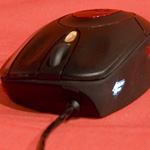

Click for larger photos
Click for larger photos
There is an additional transparent button just behind the wheel that lights up either red, amber or green depending on what DPI you are currently using on the mouse. You can switch between 400, 800 and the maximum 1600 DPI by clicking the button. The DPI button can't be customised, so Creative have added one more thumb button for people that like to set more controls on the mouse.
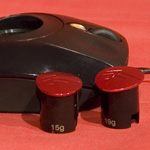
Another extremely noticable feature is the red weight placed right in the centre of the mouse. The weights have a click-in click-out feature making it very easy to change quickly.
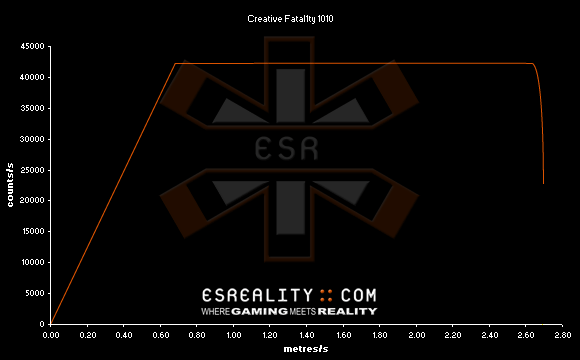
Creative Fatal1ty 1010 Response Graph
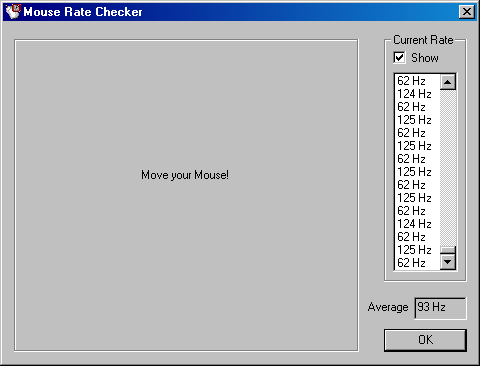
Creative Fatal1ty 1010 USB Rate
Malfunction Speed: 2.70 m/s (106"/s)